HomeWire home network lab
Tools

Mesh Node Planner

By the HomeWire team Updated 2026 Tested in real UK homes
Mesh Node Planner

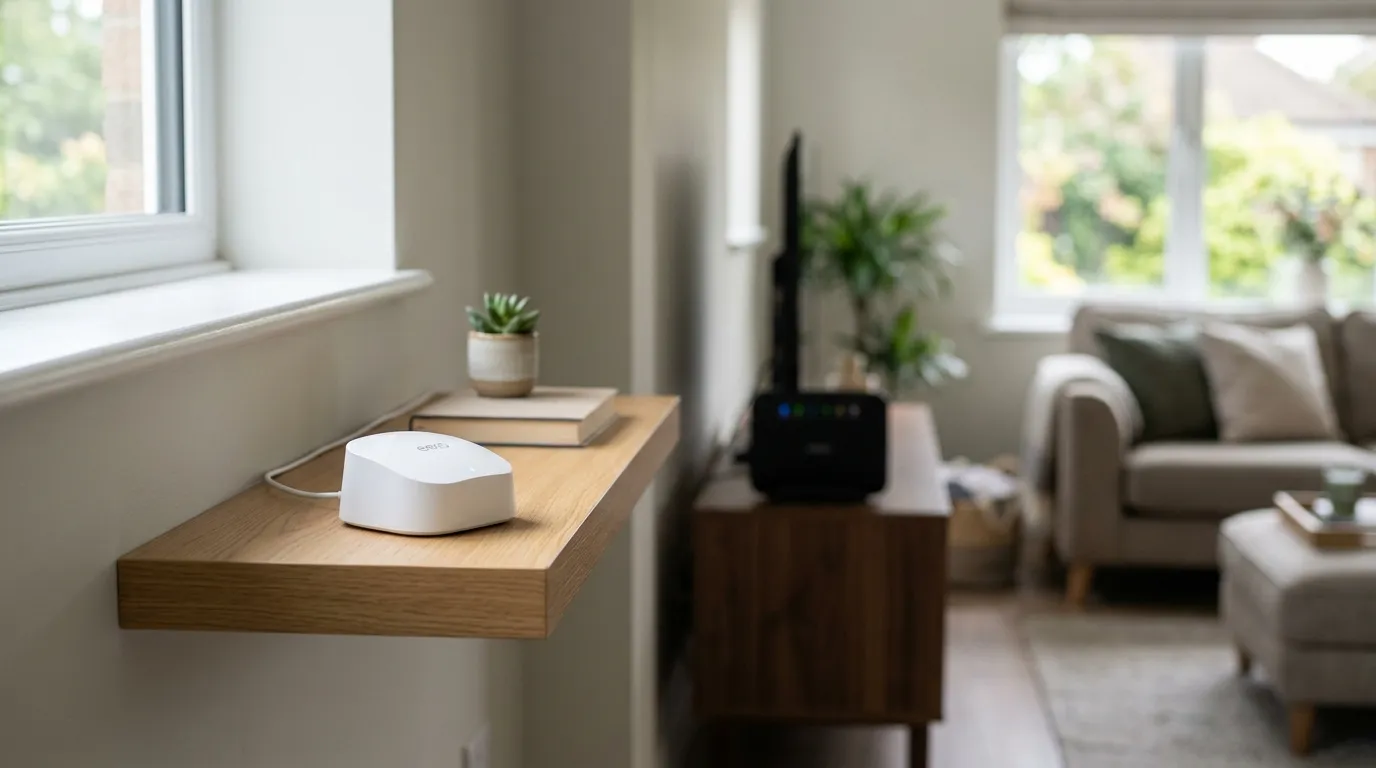
Tell us your home's floor area, how many storeys it has, what the walls are made of and where the dead spots are, and we'll estimate how many mesh nodes you need and roughly where to put them. The honest answer is that node count is driven more by walls and floors than by square metres. A solid brick or stone house can need twice as many nodes as an open-plan flat of the same size.

Plan your mesh network

These figures are a planning starting point, not a guarantee. Thick chimney breasts, foil-backed insulation, underfloor heating and large mirrors all block Wi-Fi more than the wall type alone suggests. Buy a kit you can add nodes to later, place each node in open sight of the next one, and use a wired (Ethernet) backhaul between nodes wherever you can: it is the single biggest upgrade to mesh reliability.

== Summary of change == Only change vs original: added id="m-area-h" to the floor-area hint span so the input's aria-describedby="m-area-h" resolves to a real element. No formula, units, rounding, or behaviour changed. Working test file at /Users/liam/projects/future-business-media (QA scratch at /tmp/qa/mesh.html, /tmp/qa/test.js, /tmp/qa/dom.js).
// more from HomeWire
Why Is My Wi-Fi So Slow? 12 Fixes That Actually Work (UK)
Fix It: Wi-Fi & Network Troubleshooting

Why Is My Wi-Fi So Slow? 12 Fixes That Actually Work (UK)

Why is my Wi-Fi so slow? 12 tested UK fixes, from router placement and 5GHz to channel changes and your Ofcom minimum-speed rights.
Wi-Fi Keeps Dropping or Disconnecting? Step-by-Step Fix
Fix It: Wi-Fi & Network Troubleshooting

Wi-Fi Keeps Dropping or Disconnecting? Step-by-Step Fix

If your wifi keeps dropping, work through these UK fixes in order: restart the router, change the channel, split the bands and check for a line fault.

Ethernet Connected But No Internet? How to Fix It
Fix It: Wi-Fi & Network Troubleshooting

Ethernet Connected But No Internet? How to Fix It

Ethernet connected but no internet? Work through these ordered UK fixes, from a quick router reboot to DHCP, DNS and driver repairs that get you back online.

How to Log Into Your Router at 192.168.1.1 (UK Routers)
Set Up & Get Online

How to Log Into Your Router at 192.168.1.1 (UK Routers)

A step-by-step 192.168.1.1 router login guide for UK routers, plus the correct IP for BT, Sky, Virgin, TalkTalk, EE and Plusnet hubs.

How to Change Your Wi-Fi Channel to Stop Interference
Set Up & Get Online

How to Change Your Wi-Fi Channel to Stop Interference

How to change your Wi-Fi channel to stop interference: best 2.4GHz and 5GHz channels, plus steps for BT, Sky, Virgin and TalkTalk routers.

Mesh Wi-Fi vs Extender vs Powerline: Which Beats Dead Spots?
Gear: Mesh, Extenders & Adapters

Mesh Wi-Fi vs Extender vs Powerline: Which Beats Dead Spots?

Mesh vs extender vs powerline compared for UK homes: which one actually fixes Wi-Fi dead spots, with real speeds, costs and setup tips.

Wi-Fi Channel Finder
Tools

Wi-Fi Channel Finder

Best Wi-Fi channel finder for UK homes: read your phone's Wi-Fi scan and get the least-crowded 2.4GHz, 5GHz and 6GHz channel to switch to.

Broadband Speed Calculator: How Much Do You Actually Need?
Tools

Broadband Speed Calculator: How Much Do You Actually Need?

Free broadband speed calculator: tell us your household and we work out how much broadband speed you need, in Mbps, for the UK.

// stay on the network

Fix one dead zone a week.

Plain-English fixes for British homes: router settings worth changing, mesh kit that actually works, and the speed-test results that matter. One email, no jargon, unsubscribe anytime.

● No spam. Roughly fortnightly. UK-focused.